
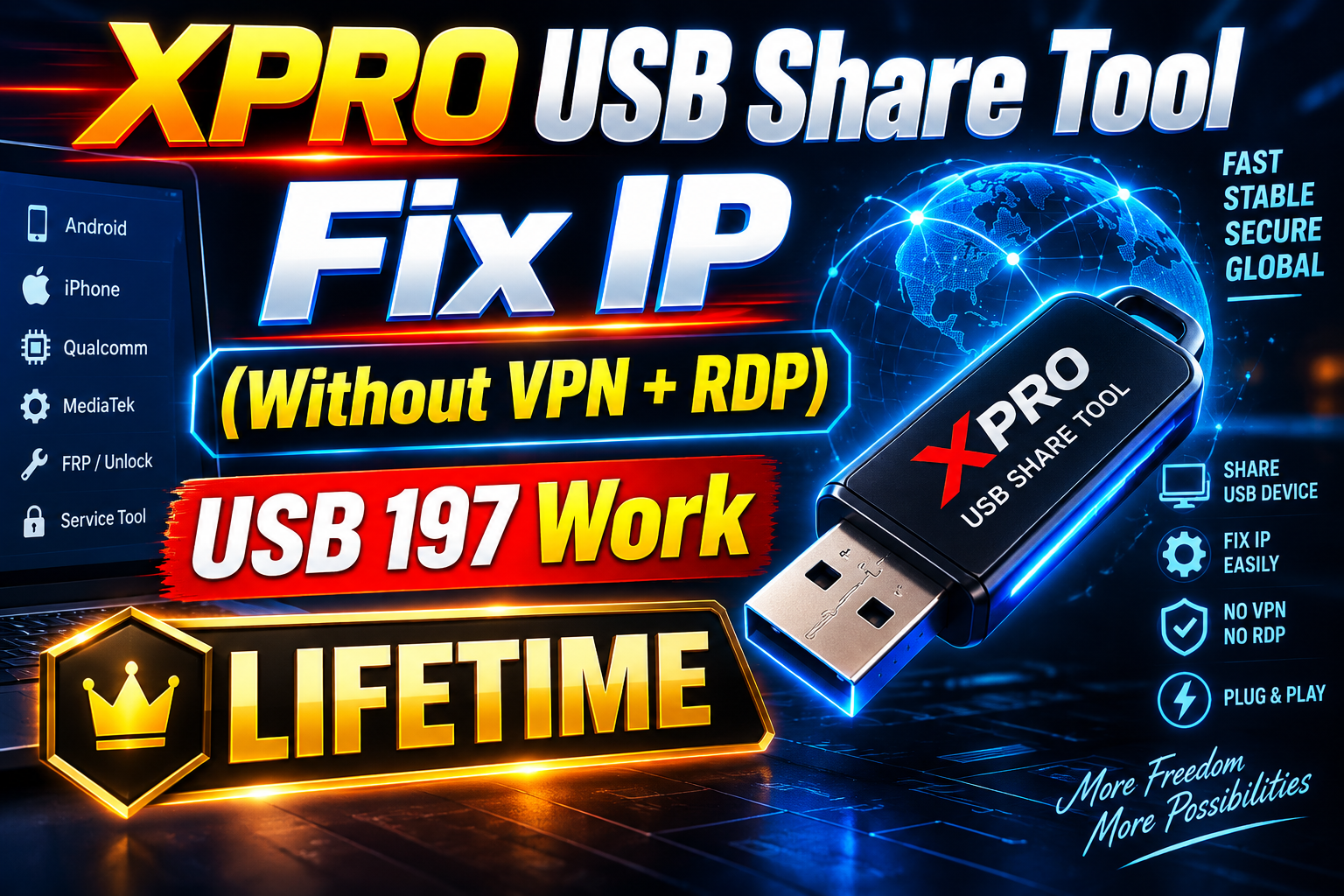
XPRO USB 197 Share Tool – Without VPN RDP | 1 Days Trial Version
Manage your tools and account from this resource access hub.
XPRO USB 197 Share Tool – Without VPN RDP | 2 Days Trial Version
XPRO USB 197 Share Tool is designed for users who need a simple and convenient way to share and access USB 197 connections remotely.
With the 2 Days Trial Version, you can test the XPRO USB Share Tool before purchasing a longer activation plan.
The tool provides an easy setup and is designed to work without requiring a traditional VPN RDP setup, making the connection process easier for users.
XPRO USB 197 Share Tool Features
XPRO USB Share Tool provides a simple interface for USB sharing and remote connectivity.
Main features include:
- USB 197 remote sharing
- Simple and lightweight interface
- Fast connection setup
- No complicated VPN configuration
- No traditional RDP setup required
- Easy Start and Stop controls
- Connection status display
- Copy connection information easily
- Automatic session management
- Windows compatible
- Suitable for technicians and remote service users
3 Days Trial Version
The XPRO USB 197 Share Tool 2 Days Trial allows new users to test the service before purchasing a monthly or yearly activation.
Trial Duration: 2 Days
Trial Price: ₹1x
This trial is useful if you want to check the tool's compatibility and connection performance before choosing a longer plan.
How Does XPRO USB Share Tool Work?
Using XPRO USB 197 Share Tool is simple.
First, install or open the XPRO USB Share Tool on your Windows PC. Enter your valid activation key and connect your required USB service.
The tool creates the required remote connection and displays the connection information inside the application.
You can then use the provided connection details according to your supported USB sharing workflow.
Why Choose XPRO USB 197 Share Tool?
Traditional remote setups can require multiple applications and additional configuration.
XPRO USB Share Tool focuses on providing a simpler workflow with an easy-to-use interface.
It is especially useful for users looking for a USB 197 Share Tool without complicated VPN RDP configuration.
Lightweight and Easy to Use
XPRO USB 197 Share Tool is designed with a compact interface so users can quickly access the important options without unnecessary settings.
The main controls are clearly available, making it suitable for both new and experienced users.
XPRO USB 197 Trial Price
You can try the XPRO USB Share Tool for only:
₹1x – 2 Days Trial
After testing the trial version, you can choose a longer activation plan according to your requirements.
System Requirements
For the best experience, use:
- Windows 10 or Windows 11
- Stable internet connection
- Supported USB device/software
- Valid XPRO activation license
Buy XPRO USB 197 Share Tool Trial
Want to test the service?
Get the XPRO USB 197 Share Tool – 2 Days Trial Version for ₹10 and check the connection on your system before purchasing a longer activation.
Product: XPRO USB 197 Share Tool
Plan: 2 Days Trial
Price: ₹1x
Platform: Windows
Frequently Asked Questions
What is XPRO USB 197 Share Tool?
XPRO USB 197 Share Tool is a Windows-based utility designed to simplify remote USB 197 sharing and connectivity.
How long is the trial?
The trial activation is valid for 2 days.
What is the trial price?
The 3-day trial costs ₹1x.
Does XPRO USB Share Tool require VPN RDP?
The product is designed to provide its USB-sharing workflow without requiring users to configure a traditional VPN/RDP setup.
Can I purchase a longer activation after the trial?
Yes. After testing the 3-day version, you can upgrade to one of the available longer activation plans.
-
XPRO USB Share Tool Fix IP (Without VPN+RDP)–USB 197 Work Lifetime
3 USD Instant -
![UNLOCKTOOL (6h)-[instant-Auto API 24x7]](/media/rent.webp)
UNLOCKTOOL (6h)-[instant-Auto API 24x7]
0.56 USD Rental 6 hour -
Android Multitool Tool Rent (AMT TOOL) (1-2h)-[instant-Auto API 24x7]
0.52 USD Rental 2 hour -
GRT OTP Realme (QC-MTK 1 Click All Cpu) FRP REMOVE (Instant USe) Dont Stock
6.5 USD Instant Instant